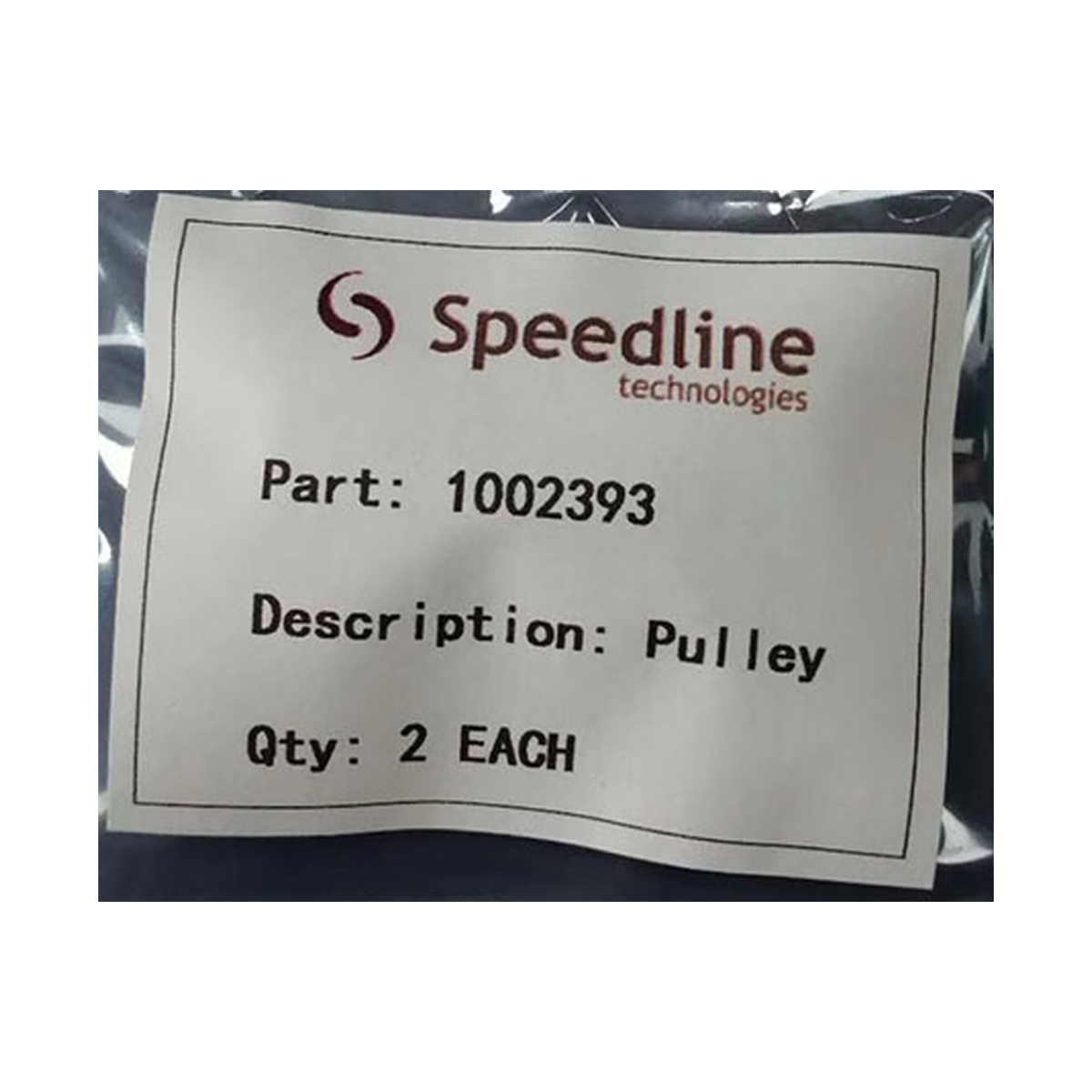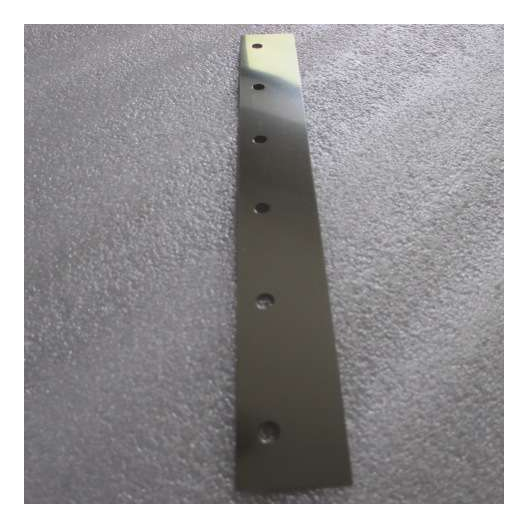
Part identification
SMT Spare Part Photos That Help a Supplier Check Fit
Start with where the part goes and what its label says. Add close-ups that let a buyer compare the mounting, connector or dimensions on the quoted item.
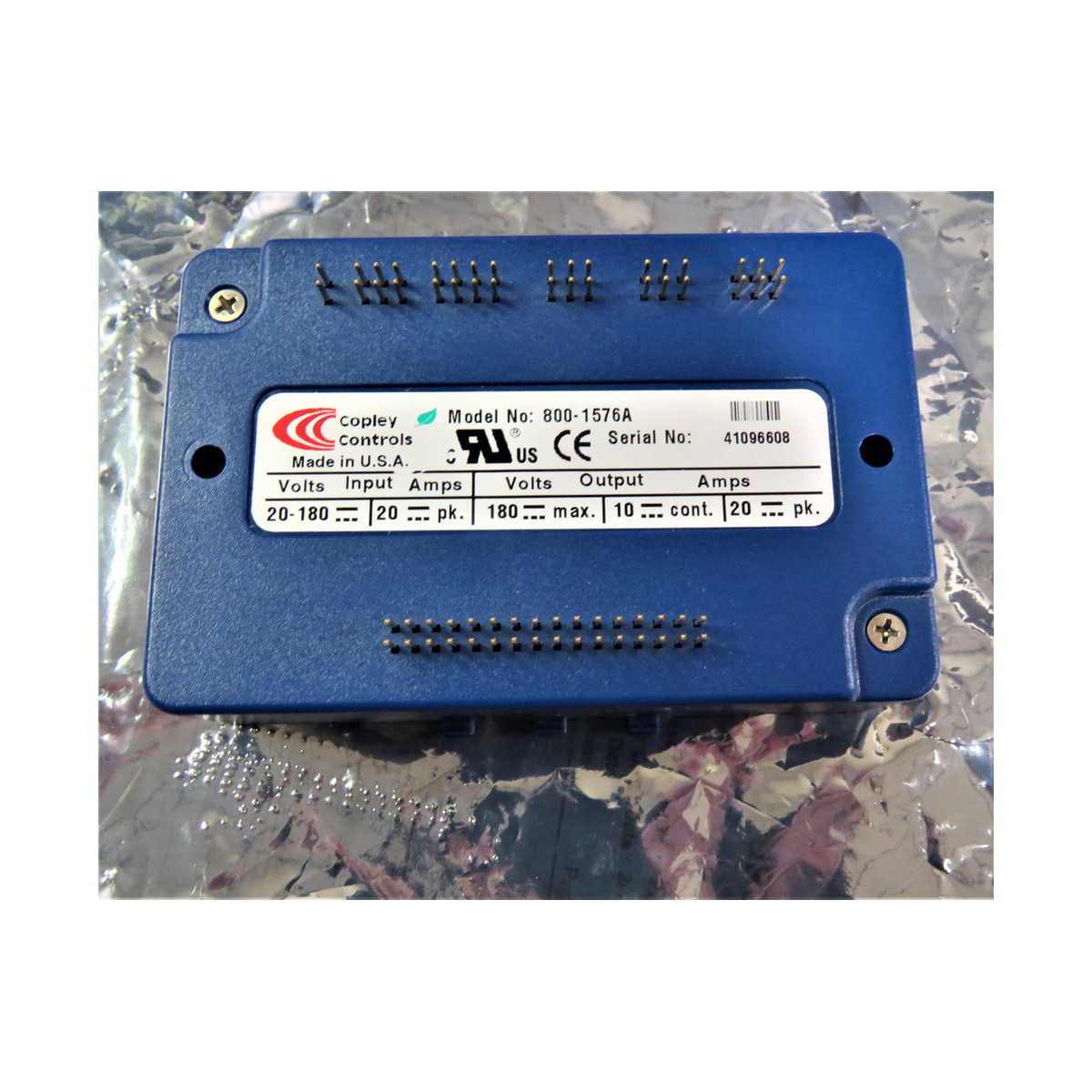
Send the machine nameplate, an installed view and a readable part label first. Add a connector or dimension view when two versions look similar.
Take one wide photo and one close photo in place
For an unlabeled part, first show the whole area of the machine where it sits. Mark the part on a copy if there are several similar items. Then take a close photo of the part and its connections. Pair the pictures with the machine model and serial number so the person checking the parts list can identify the assembly.
Use the nameplate on the machine for its serial number. Ask qualified site personnel to make an installed part or label accessible under your normal safety procedure.
Get the views that distinguish the part
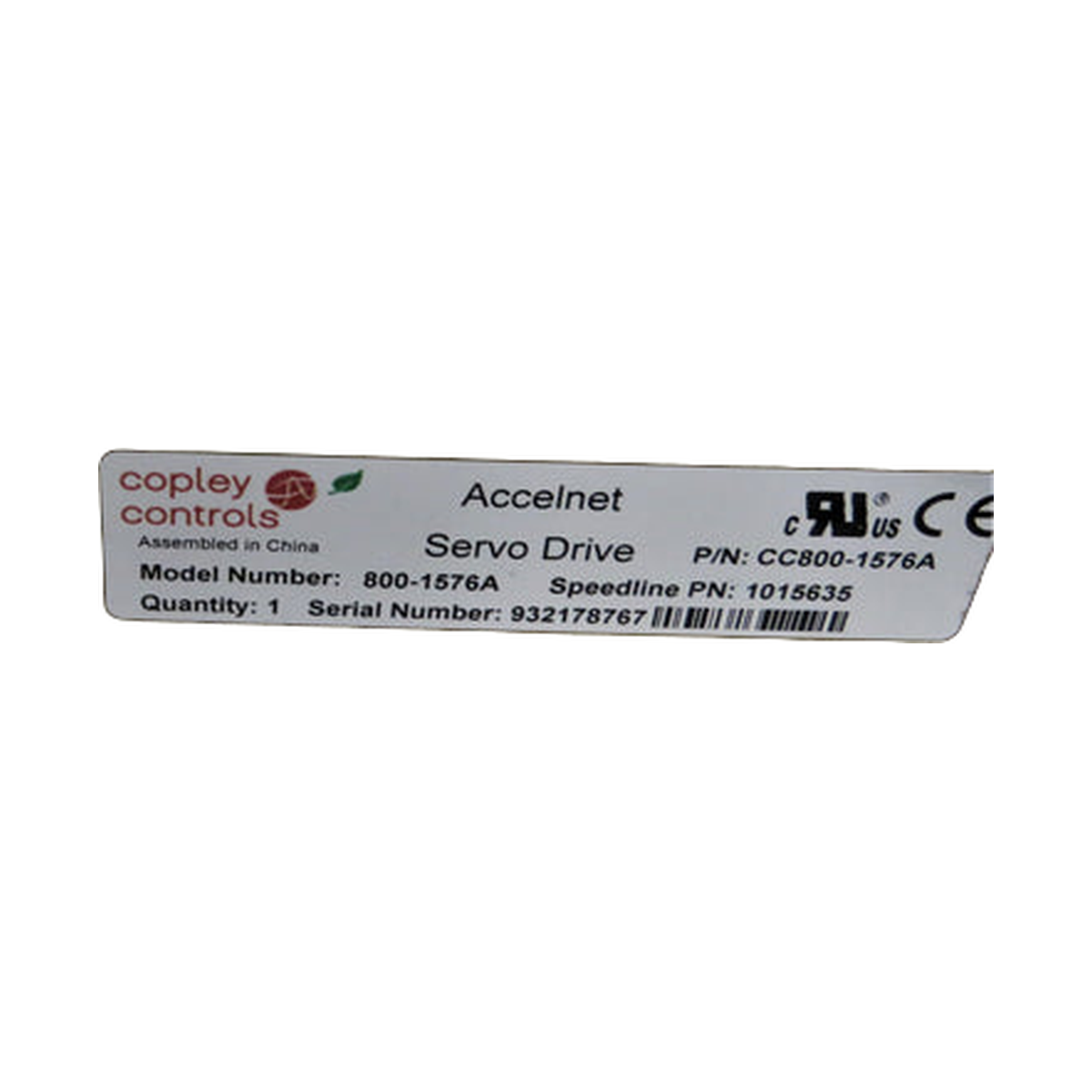
| View | What the viewer should be able to check |
|---|---|
| Machine nameplate | Full machine model, serial number and any visible configuration information. |
| Whole component | The item’s outline, mounting orientation and whether the photo shows a single piece or complete assembly. |
| Label close-up | Full part number, suffix, revision and serial or lot number where present. |
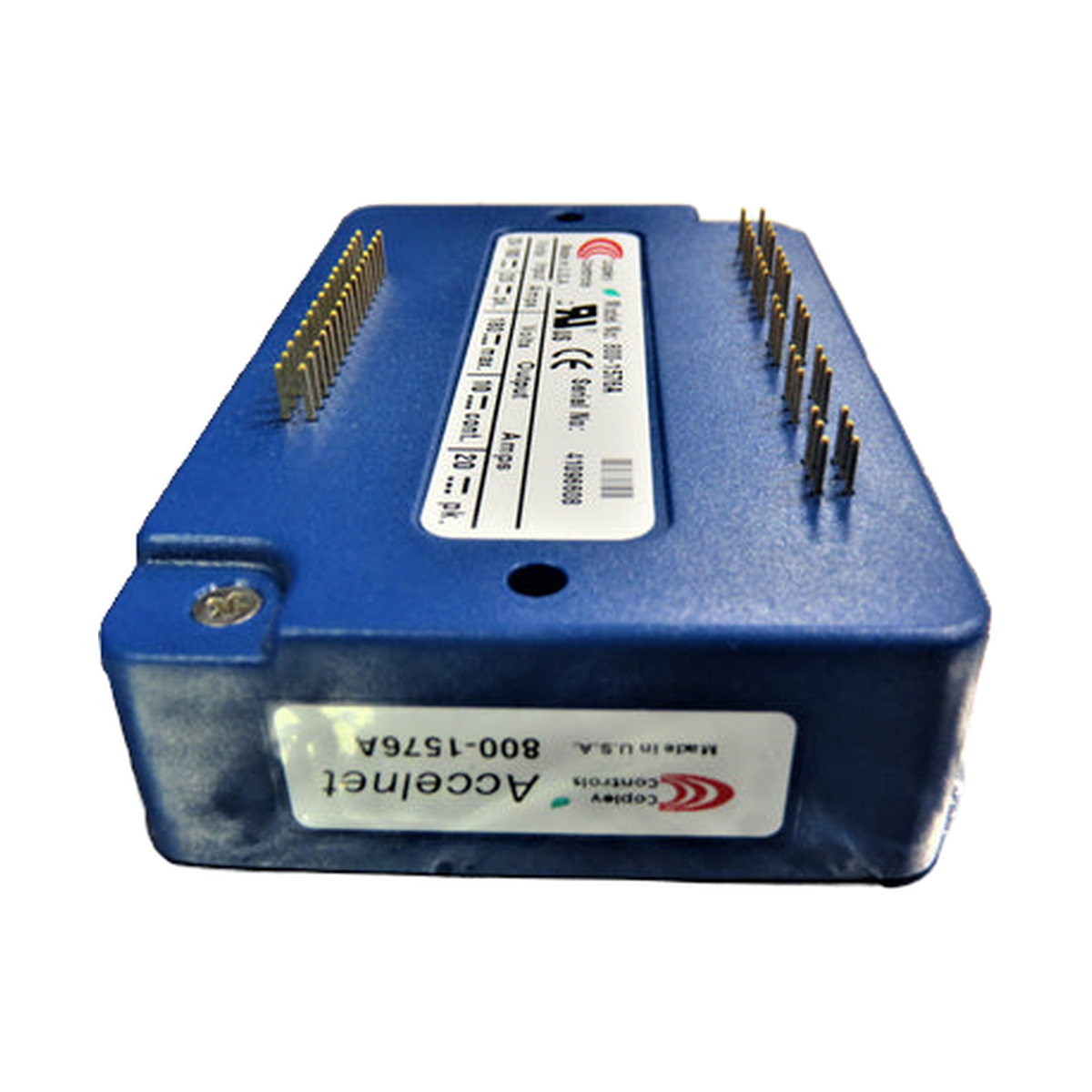
| Mount or connector straight on | Shape, keying and mounting positions. For a control board, include both faces when accessible. |
| Critical dimension or nozzle tip | The exact feature measured, its units and the measurement method. A clear ruler photo can support identification. Quote a drawing or measured value where fit depends on tolerances. |
Compare the photographed label and catalog entry
Add a measurement when photos leave two versions possible
An MPM squeegee holder can look similar across several lengths. Include the blade length in millimeters and identify which assembly you need. For a feeder, show the latch and connector and include tape width and pocket pitch. For a nozzle, show the mounting end, the tip and the type marking.
Keep the original image files readable. A second angled shot can help when glare hides a suffix. Name files by line item and view, such as L02_label and L02_mount, so they remain attached to the correct part in a multi-item inquiry.
Ask what the seller’s photo represents
Request a full view and label photo of the offered item or lot, and ask the seller to identify which quote line it belongs to. A catalog photo helps identify a reference. A photo of the offered item helps you compare the visible version and condition. Provenance documents and a test record are separate evidence when authenticity or operation matters.
The inquiry form accepts up to five attachments, totaling 8 MB. For a longer set of views, combine them into a clearly labeled PDF and check that the printed numbers remain readable.
Send the photos for a fit check
Start with the label and an installed view. Include the machine model and any dimensions that distinguish the part.