Part identification
How to Find the Correct SMT Spare Part Number
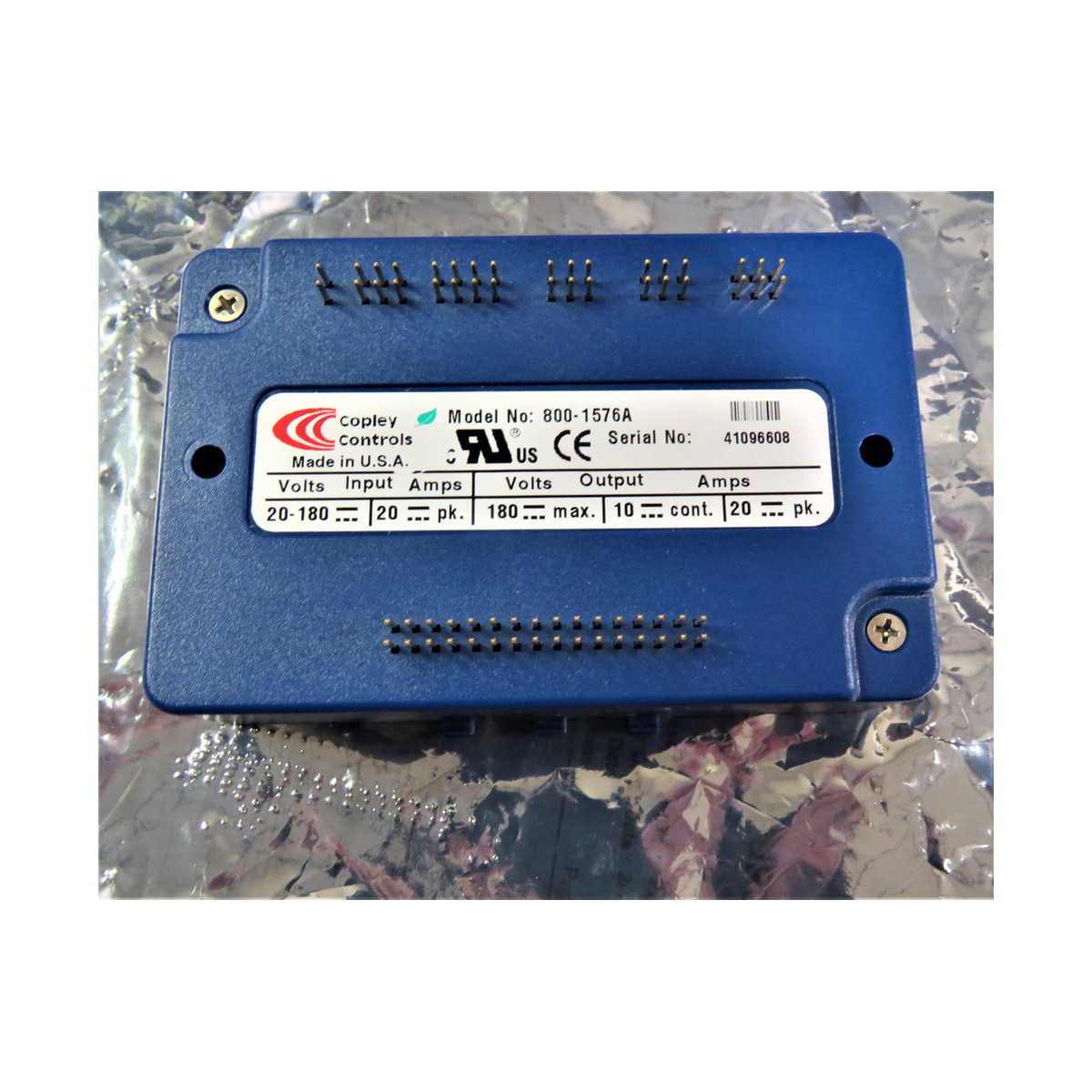
Start with the part on the machine. Check the full label, the installed assembly and the serial number before using a supplier’s listing to order.
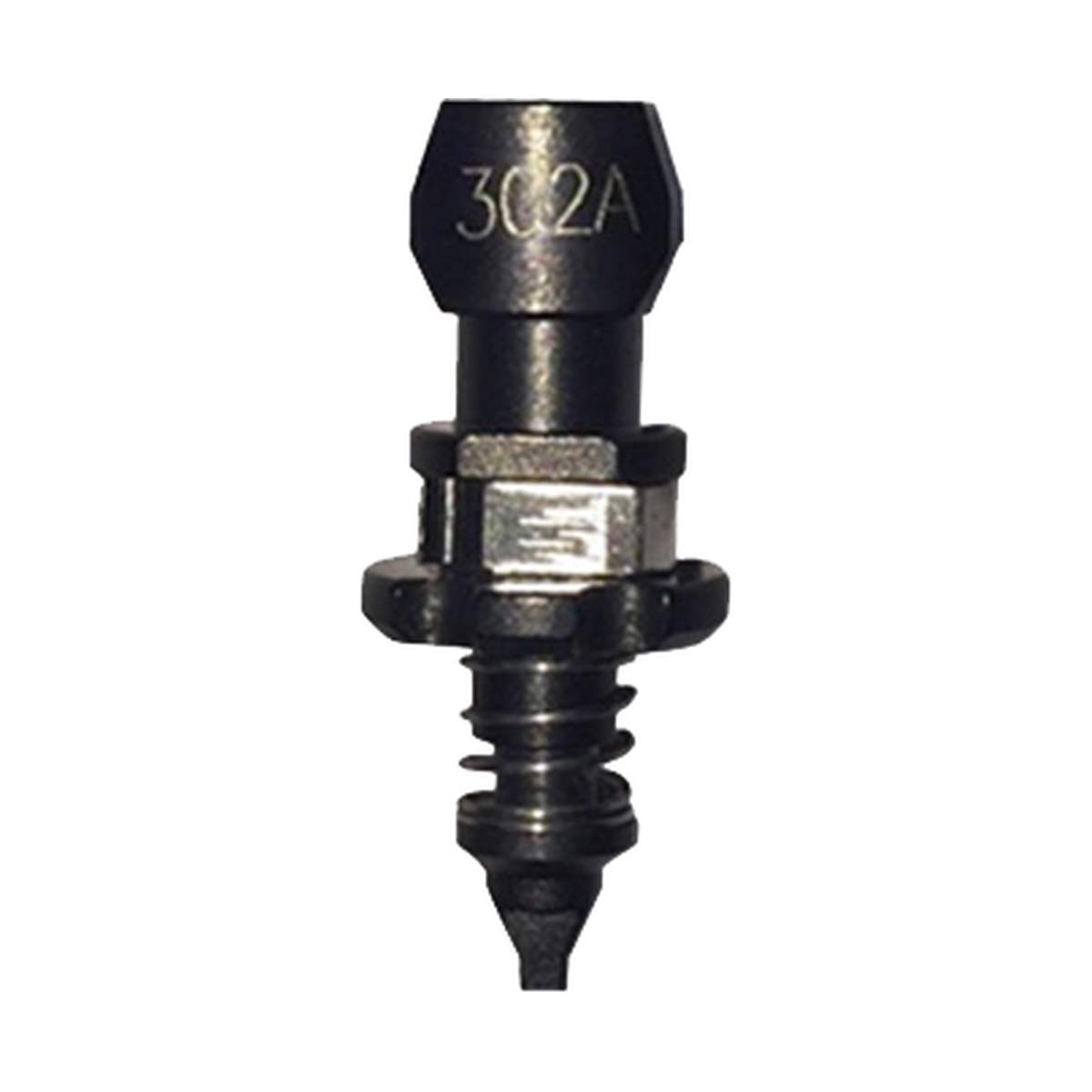
Copy the full code from the old label, then confirm the order item against the drawing for your machine build. A short marking can identify a family with several versions.
Record the machine and the installed part separately
Take a photo of the machine nameplate and a separate photo of the old component label. Record the machine model and serial number, the component’s full marked number and revision, and where the component is installed. A machine built later in the same series can have a different assembly. For a feeder or head-mounted part, record the feeder or head model as well.
Keep the dashes, leading zeros and suffixes in your records. If a character could be 0 or O, mark it as unclear and take another photo. You can try a search with the dashes removed while keeping the original spelling on the inquiry.
| What you found | Where to use it |
|---|---|
| Machine model and serial number | Use them to locate the build or the applicable parts list. |
| Short marking on the component | Use it to identify the type and narrow the search. |
| Assembly number on the label or parts list | Use it as the requested order reference once the fit and contents are confirmed. |
| PCB number, revision or a number on a subpart | Record it separately. Check the parts drawing to see whether it identifies the whole order item or a piece inside it. |
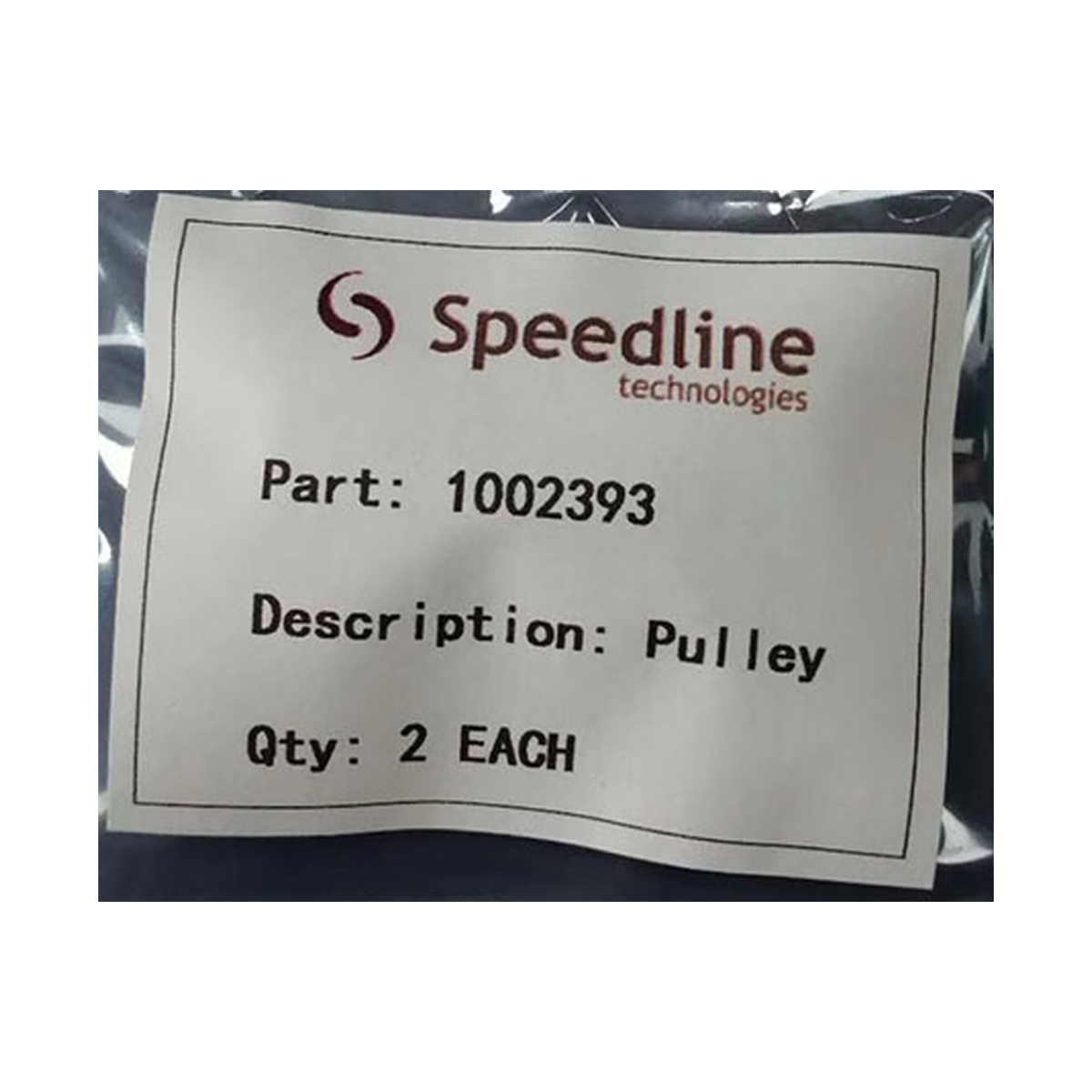
Packaging label from the example
Follow the drawing down to the order item
A recommended spares list can help you find common service items. When your part is absent or the list covers several configurations, ask for the serial-specific assembly record. For JUKI machines, the customer parts service provides drawings, target models and nozzle lists where the service is available.
- Open the parts list for the machine and assembly that match your configuration. Use the drawing to locate the part, then copy the ordering number from the matching line.
- Check the level of the order item. A bracket, a populated board, a complete module and a service kit may each have their own reference.
- Record the drawing or parts-list revision and any machine serial range. If a service notice gives a replacement number, check the direction, included items and any installation conditions.
Worked example with JUKI type 506
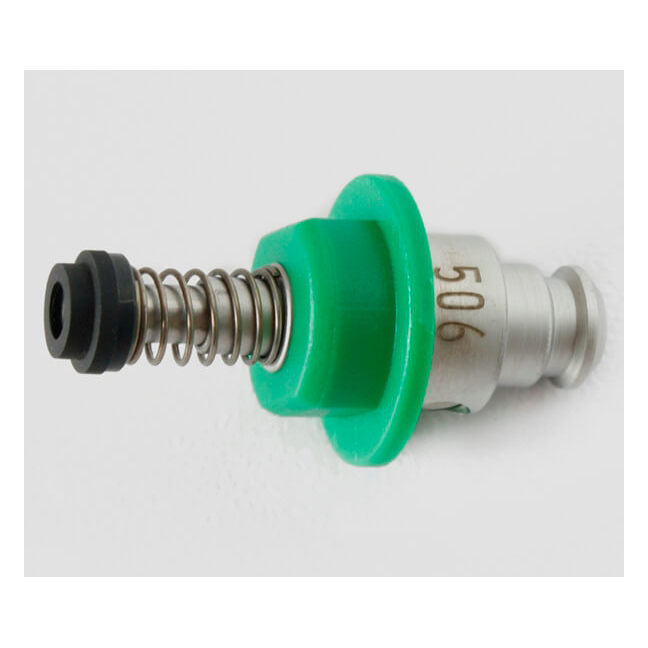
Start with the exact model on the machine plate. The JUKI Rev C3 table gives different version choices for conventional KE-2000 models and for the later KE-2050, KE-2060 and FX-I group.
If your photo shows only 506, send the exact KE machine model along with the label or packaging. Ask for the full assembly number to be confirmed in writing.
| Machine in the compatibility table | Assembly references for type 506 |
|---|---|
| KE-2010, KE-2020, KE-2030 and KE-2040 | First generation E36057290A0. |
| KE-2050, KE-2060 and FX-I | The table lists E36057290A0 and revised 40001344. Verify the fitted configuration and the requested version. |
JUKI 506 assembly versions
If the label is missing
Send a wide photo of the installation, a closer photo with the part marked, and any dimensions that distinguish it. Include the machine serial number and say whether you need the complete assembly or one component. In the inquiry, write “identification requested” and list any candidate numbers separately so the quote can show how the final match was made.
Need help identifying the part?
Send the machine model, serial number and a clear photo of the label or the installed part.